

Network failures are no joke when you rely on the Internet for work (duh). If you are a remote worker, such unexpected outages can disrupt your workflow. Although internet speed and performance have improved significantly, connections are still vulnerable to threats. This is why backup Internet connections are more in demand than ever before.
In this guide, I will share everything you need to know about choosing the best backup Internet for network failures.
What is Backup Internet?
Backup Internet is an Internet connection that you have set up as a failover mechanism. It will activate when your primary network fails to connect to the Internet.
Imagine you have a high-speed wired broadband connection at home. This connection should be accessible most of the time. However, if and when the connection fails due to an outage/weather issue, the backup connection will become active. Therefore, you get to ensure uninterrupted Internet access even when the primary connection fails.
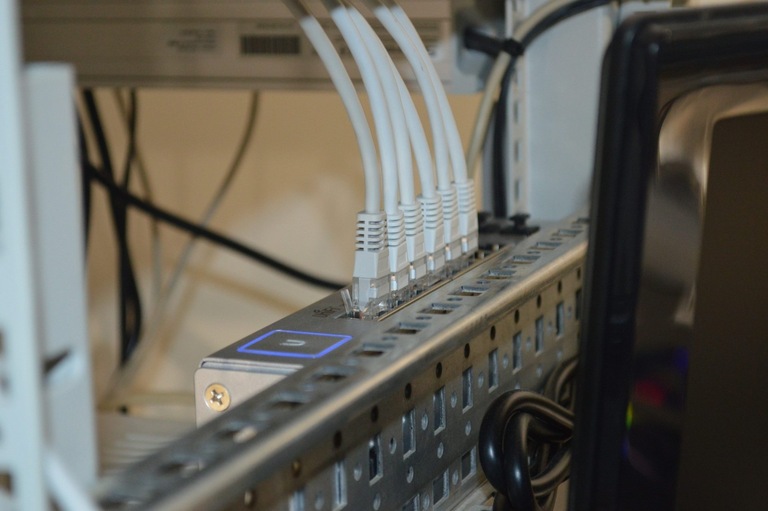
Backup Internet is not a new idea, technically. Enterprise networks, including data centers, have used backup options for their connections. In these instances, an effective failover decides between life and death. With home connections, however, the backup Internet systems don’t have to be that complex. It does not mean you can cut corners, though.
Instead, you should understand what’s at stake before choosing a backup Internet option. Only then can you establish a backup connection that meets your needs when things go wrong.
Choosing a Backup Internet Solution
I will now provide a brief overview of key considerations when selecting a backup Internet solution.
Before evaluating the multiple backup options, you must audit your current network situation. In particular, you must consider the following pointers:
#1 The Reliability Factor
Check the reliability of your primary connection. For instance, you may not need a full-blown solution if you use a fiber-optic connection. However, if you feel the downtime statistics are concerning, you may need a comprehensive backup system. On the other hand, if these downtimes occur very rarely (once a month), you may be okay with a temporary solution, such as a mobile hotspot.
#2 Importance of Uptime
Not all tasks require 100% uptime. For instance, if you use the connection for browsing the web or streaming content, you could live with a few minutes of downtime. On the other hand, if you have a work-from-home setup, you can’t take any risks. Therefore, it is essential to understand your current situation before investing in a backup Internet system.
#3 Bandwidth & Speed
Depending on the two points mentioned above, you can also decide the bandwidth and speed requirements. If you need a backup Internet connection for remote work, the speed must be pretty good. If not, you can live with a 4G/3G hotspot. Keeping these points in mind helps you avoid problems in the future. You would not want to choose a 3G connection if your work requires frequent video calls.
In addition to these three points, consider some key factors regarding the backup Internet plan.
Reliability and Performance
As you can imagine, reliability and performance are the two most crucial factors when selecting a backup Internet option. This backup connection must be able to serve your speed and uptime needs. For instance, you should not choose a wobbly Internet connection as backup if your work/business requires 100% uptime. Therefore, you should check which backup Internet channels are the most reliable in your area.
Let me tell you about a mistake a lot of people make:
Many people believe that a satellite Internet connection is the best backup Internet plan. Sure, something like Starlink can offer Internet access from anywhere on the globe. However, it takes a lot of time for these systems to start up, align, and establish a connection. With Starlink, you also need to deal with updates. So, using a satellite connection for an instant connection switch doesn’t make a lot of sense.
Similarly, many users opt for a second ISP line, believing that one will work when the other doesn’t. In many cases, however, last-mile connectivity issues affect multiple ISPs’ infrastructure, bringing you back to square one.
Carrier Diversity
In an ideal world, you should not have the primary and backup connections from the same carrier. This idea makes sense because you don’t want ISP-level issues to affect you. Your T-Mobile data connection and the home fiber may seem different, but their backbones will have to meet somewhere. Therefore, it makes more sense to choose other carriers for your backup Internet connection. This way, even if the primary Internet connection stops working altogether, you have a better chance of ensuring uptime.
By the way, you can improve your chances by choosing different technology layers, though. For instance, it makes sense to select cable Internet as the backup option while keeping fiber-optic as the primary option.
Scalability
You must also consider how easily these backup Internet options can be scaled. Check the number of devices in your network and the bandwidth you need. For instance, a 5G mobile hotspot may work when you need a few Gigabytes of data. However, if we are talking about hundreds of GB of data, 5G will break the bank.
Therefore, before setting up a permanent Internet backup system, consider its scalability. However, this will ultimately depend on how primary your backup would have to become.
Internet Backup Alternatives to Consider
You may want to consider the following Internet backup alternatives. I have mentioned the pros and cons of all the major options.
Multiple Wired Connections
A secondary wired connection could be the best available option if you do not want to compromise speed or performance for the backup internet. It means having a secondary router that will be connected to the second ISP line and manually switching to this network when the primary connection goes down.
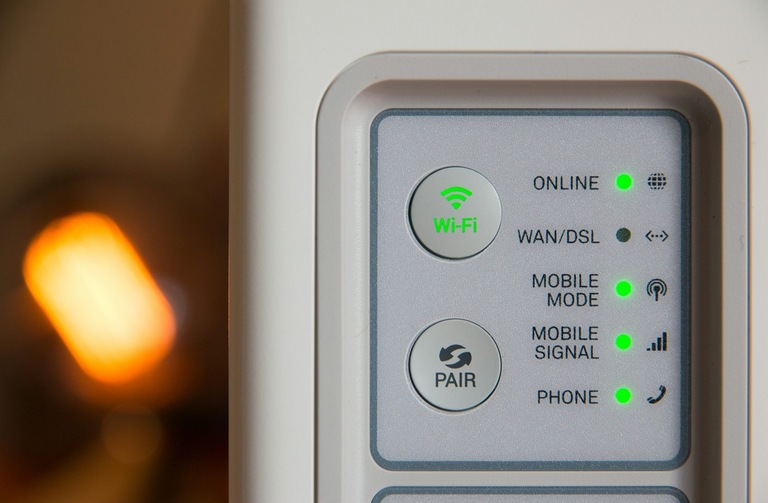
However, you may also be able to obtain a dual WAN router that can automatically switch to the secondary connection or maintain both connections simultaneously. The problem here is that you will have to spend twice what you’re actually paying for the current internet connection.
On the bright side, as long as you choose the connection from a secondary carrier, you will probably get the best reliability and speed. This will be a better option if you are looking for a secondary connection for your work-from-home setup or for a household that cannot afford to be offline.
Satellite Internet
Satellite internet as a backup option should be the last thing you consider because it is the most expensive to set up and maintain. It can work anywhere, but the latency would be higher, which means you cannot actually engage in online games or heavy downloads using this connection.

But let’s say that you’re living in a remote area where you’re already relying on a not-so-reliable connection. In this case, having a satellite internet connection as a backup would be a sensible option. Given that you may not already have a reliable wired connection in this remote location, it is better to opt for satellite internet.
However, keep in mind that you will have to spend a significant amount on the device initially, and then pay a monthly fee that is also substantial. Even then, you may still encounter multiple FUP limits and other issues. It is an excellent option if you are always on the move, though.
Mobile Hotspot
A 3G/4G/5G mobile hotspot is the least expensive and easiest to configure backup Internet option out there. You can use your smartphone or a dedicated 3G/4G/5G router for this purpose. The second option enables you to create a fully functional Wi-Fi network that allows you to connect devices and manage them.
Because a mobile hotspot uses your existing phone plan, you don’t incur extra costs. This option works well when you encounter occasional Internet outages and need a quick fix. The problem? The performance and speed of a mobile hotspot can vary based on factors such as the network, region, and weather conditions.
Using a dedicated mobile router is still a better option as they are optimized for performance. However, such devices can be a bit costly. On the bright side, you would not drain your smartphone’s battery, and you can connect your phone to this router’s network.
Fixed Wireless
Fixed wireless internet is another option to consider when seeking a backup internet connection. Some people are also considering fixed wireless as their primary connection. Fixed wireless technology essentially utilizes the same technology as 5G or 4G, but it establishes a direct connection between your device and a base station.
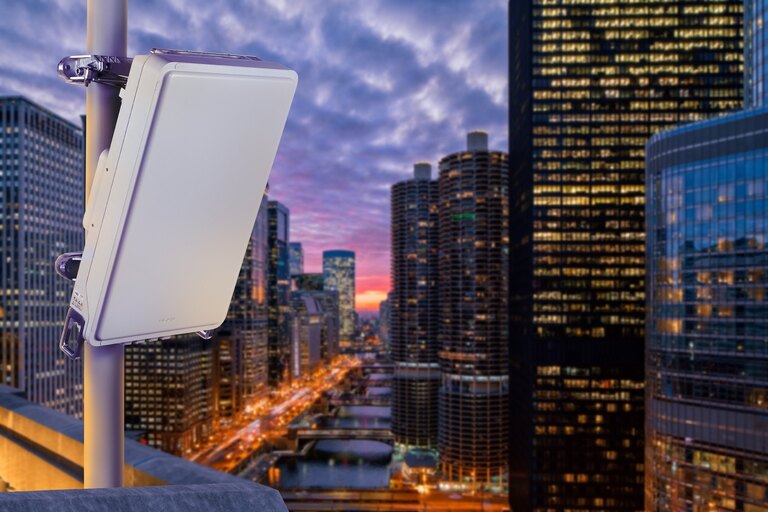
While they are affected by factors like weather, these can deliver better performance and reliability than a typical smartphone connection. These connections come with a modem/router combo, making them ideal for homes. You may even be able to set up this connection with a dual-WAN router if you prefer.
Compared to other methods, however, the cost of a fixed wireless connection can be slightly higher, but this is beneficial if you experience issues with the wired connection.
Niche Satellite Options
You can also consider some niche satellite and other backup options. However, I recommend these options only if others are available and you don’t mind spending quite a bit.
How to Choose Between WAN Failover Alternatives
I have already explained the different backup Internet options. Now, let’s compare them and determine the best choice for your needs.
Option | Cost | Speed/Latency | Carrier Diversity | Best For |
|---|---|---|---|---|
2nd Wired ISP | High (2 bills) | Excellent, low latency | Strong if different ISP | Businesses, critical uptime |
Fixed Wireless (FWA) | Moderate–High | Good speed, lower latency than satellite | Distinct tower = diverse | Homes/offices with weak wired |
4G/5G Router | Moderate | Variable, moderate latency | Good (cellular vs wired) | Freelancers, WFH users |
Satellite (Starlink) | Moderate–High | Decent speed, higher latency | Very strong (space-based) | Remote/rural or fail-safe backup |
Phone Hotspot | Very Low | Limited by plan/device | Good if cellular vs wired | Emergencies, short outages |
Here are a few of my recommendations:
A 4G/5G router is the best overall option for a backup Internet connection. Depending on the area, they can deliver impressive speeds. Compared to a mobile hotspot, you also get better convenience. While a router may cost a bit, it is less expensive than the upfront costs of a secondary wired or satellite connection.
A Fixed Wireless Access system would be the second-best option in my opinion. These connections can offer great speeds and latency comparable to those of wired connections at times. However, they are not particularly portable, as the antenna must be positioned towards the base station.
I reserve secondary wired connection and satellite Internet for special cases. You can go for the wired option if you don’t mind spending. Similarly, if you need a backup Internet plan that you can take anywhere, consider a satellite connection.
The Bottom Line
Thanks to the availability of services, I use a triple-connection system for my workspace. In addition to the fiber-optic connection, I have a mobile router and a fixed wireless access on standby. These have helped me handle multiple professions that require online teaching, uploads, and staying online most of the time.
