
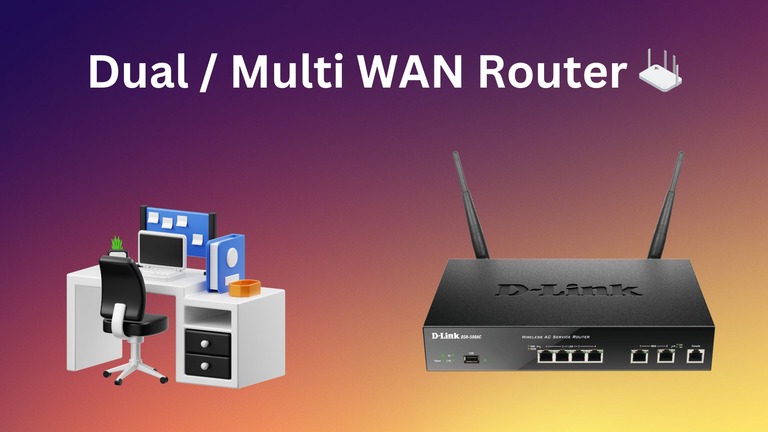
Dual-WAN or multi-WAN is an increasingly common feature that you find on many high-end Wi-Fi routers in the market. However, not everyone needs this feature, nor is it worth upgrading your Wi-Fi router. What is so special about dual/multi-WAN routers, though? In this complete guide, I will share everything you need to know about dual and multi WAN router and whether you need it for your setup.
What Is a Dual or Multi-WAN Router?
As you can guess from the name, a dual or multi-WAN router means a networking device that has more than one WAN port. When it comes to Wi-Fi routers, dual-WAN routers will have two Ethernet ports that can take in an internet connection from a device like an ONT or modem. Similarly, a multi-WAN router will have more than two WAN ports.

You can keep both connections active at the same time and enjoy some benefits. Because both WAN ports are used for internet connections, the router can switch back and forth between these two connections as necessary. For instance, if one connection becomes unavailable, it will use the second internet connection for the network. However, this is only one of the many instances when dual/multi-WAN routers are used.
Dual and multi-WAN routers were conventionally present in enterprise networking sectors. However, since people need uninterrupted internet access at home these days, you can find many dual or multi-WAN Wi-Fi routers for residential uses. Before we explore your options, I will share some technical info about dual and multi-WAN routers.
How Does Dual or Multi-WAN Technology Works?
Depending on the scenario, a dual/multi-WAN router may use different techniques to work. The three major options are as follows.
Redundancy
Redundancy, also called failover, is a mechanism that adds an extra backup layer. That is, the second internet connection will work as a backup option and kick in whenever you lose the primary connection. This feature of multi-WAN networking becomes essential for enterprises that cannot afford downtime. For instance, we can consider the case of bank and hospital networks. These networks cannot handle downtime and must be using multiple backup options. Even in my studio, I can’t handle downtime, and it was one reason to get a dual-WAN system.
Aggregation
Multi-WAN technology also becomes handy when you need the highest possible speed and bandwidth for a connection. Sometimes, a single Internet Service Provider cannot provide the necessary speed. In that case, you can opt for a secondary ISP and aggregate these connections. A multi-WAN router will ensure that you have a higher-speed internet connection in the end. However, you may need a specific type of multi-WAN tech to use this option.

Bandwidth Management
Some networks may handle different types of transmissions that require different speeds/bandwidths. Load management is powerful enough to sort out the issue by intelligently assigning data packets to one of the two/many connections. Whereas aggregation helps in improving overall speed, it may cause congestion on the network. However, with some unique load management options, a network can use one connection for priority traffic and another one for less critical ones.
These three features may work out-of-the-box on residential dual-WAN routers. However, enterprise-grade routers need dedicated care and management. You should also keep in mind that wired dual/multi-WAN routers are more commonly used within enterprise environments.
Benefits of Using Dual or Multi-WAN Router
Dual and multi-WAN routers are more powerful than conventional options in the market. However, you will have additional benefits based on why you are getting such a router in the first place. Keep in mind that only a few benefits are available on consumer-grade routers:
- Dual/multi-WAN routers offer an effortless failover mechanism so that you always have an Internet connection. The device may use multiple technologies to either keep both connections active at the same time or make the switch in a split second.
- Multi-WAN routers can also help you with bandwidth management and control. As I mentioned, you can dedicate one of the connections for tasks that require more bandwidth, whereas the secondary connection is used for something of less priority.
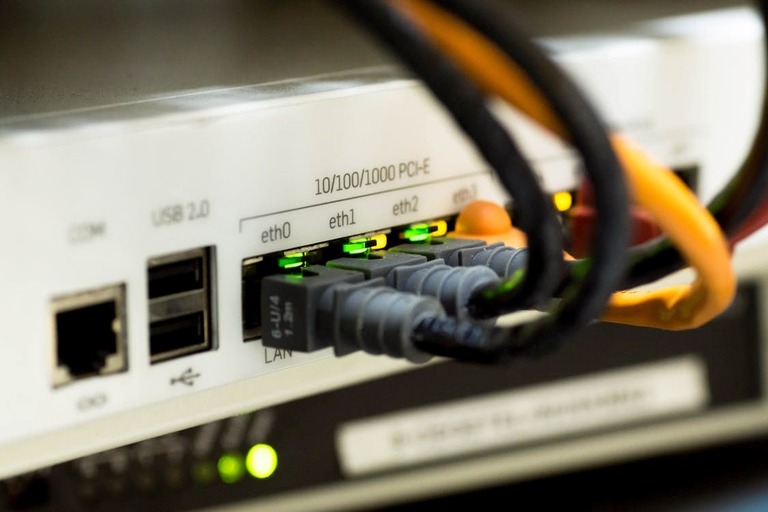
- When set up using the Aggregation method, dual/multi-WAN routers can offer a better speed across your network. Because they bring the power of multiple connections, you can use two or more 1Gbps Internet connections to create a single connection of 2/3/4Gpbs speed. However, keep in mind that true link aggregation requires proper configuration and appropriate protocols.
- Depending on where you are, you may have different ISPs that offer different plans. So, a multi-WAN system provides the option to combine multiple plans and save money. This setup is more affordable than a single high-speed connection in many cases. Nevertheless, you should check the ISP policies before combining two links.
- You may want to have additional control for low-latency apps for collaboration and cloud. However, by combining two connections, you have a better chance of optimizing the entire connection and the browsing experience.
- Because multi-WAN routers are more powerful, they offer advanced options for priority controls as well. That is, network admins have the option to set up custom controls for specific tasks or program groups.
Despite all these, you should remember that dual/multi-WAN routers require custom configuration for the best performance. However, setting up a failover mechanism for your home network won’t be a difficult task if you get a beginner-friendly Wi-Fi router.
How To Choose the Best Dual or Multi-WAN Router
If you think you need a dual or multi-WAN router for your home or enterprise needs, you must consider the following criteria for selection.
- Performance: Not all WAN ports are the same, and you should get a router that can offer you the best performance metrics. It is always better to choose a router with a higher capacity than what you currently need. This way, even when it comes to upgrading, you can use the same router.
- Security Features: Before you consider anything else, the dual/multi-WAN router should also have a great set of security features. These features include support for VPN, firewall, and URL filtering. Such features can help you with bandwidth management as well.

- Cost and Value: You may not have an unrestricted budget, meaning that you need multiple options to choose from. However, keep in mind that multi-WAN routers are a long-term investment, more so if you are getting one for enterprise environments.
- Support: It is equally important to choose a dual/multi-WAN router from a reputable brand. Doing so will increase your chances of getting reliable support. Given the various applications, enterprise-grade routers need constant firmware updates and security oversight.
- Added Features: You should also look for specific value-added features based on your needs. You’ll need load balancing if you want to create a sustainable network. Similarly, aggregation capabilities are necessary for the best possible speeds.
With these criteria in mind, you can narrow down the options you need to pick. However, if you are getting one for your growing business, I recommend you talk to your network admin before any upgrade.
Conclusion
I hope you now have a clear idea about dual and multi-WAN routers out there. Given how they are popular in enterprise scenarios, you may need more time to find a suitable option for your home. However, I am happy to see more companies introducing consumer-grade devices at affordable rates.
