

Expanding your Wi-Fi network’s coverage is easier than ever before! Most of the time, the process is as easy as plugging in a simple device in a nearby outlet, followed by an intuitive setup. However, choosing the right tool for expanding your network can be difficult. It is especially when options like Wi-Fi extenders, boosters, and repeaters are available in the market. I can simplify the process by highlighting the differences between these three options.
What is a WiFi Booster and How Does It Work?
At face value, a Wi-Fi booster is a device that boosts your Wi-Fi connection. Network device manufacturers have used this term to refer to a range of devices that can enhance Wi-Fi network coverage and performance.
Over time, the name has become a brand marketing technique as well. Depending on the environment, maker, and other factors, however, a Wi-Fi booster could be a Wi-Fi extender, repeater, or a mesh system consisting of many nodes.
Since the term itself is vague, explaining the working method behind a Wi-Fi booster is also tricky. Suppose you opt for a mesh Wi-Fi booster system, for instance. In that case, a Wi-Fi booster will utilize repeaters, enhancements, and Ethernet backhauls to enhance the end-user Wi-Fi experience you receive from the network.
Depending on these choices, the Wi-Fi booster system may affect factors such as bandwidth and coverage differently. The manufacturer will specify how the Wi-Fi booster works, in addition to referring to it as a Wi-Fi booster.
Types of WiFi Boosting
Depending on the network environment and requirements, you may have to enable various types of Wi-Fi boosting. Listed below are some common options, along with their respective benefits.
Wi-Fi Repeater
A Wi-Fi repeater is a type of Wi-Fi booster that receives Wi-Fi signals from your Wi-Fi router and rebroadcasts them to extend the Wi-Fi coverage. In most cases, the device will use the identical SSID as the router. So, if you have an area where the Wi-Fi router signal does not reach, you can use a Wi-Fi repeater. Compared to other Wi-Fi boosting options, repeaters are more affordable and compatible with a wide range of Wi-Fi routers.
Wi-Fi Extender
This type of Wi-Fi boosting is used to extend the coverage of the Wi-Fi network and eliminate dead zones in the process. You can use it to expand the network to areas where the Wi-Fi router’s signals are weaker. You need to keep it relatively close to the main router so that it can receive quality signals from the router. It is an easy-to-set-up method for improving network coverage.
Wi-Fi Mesh System
Wi-Fi mesh systems use a combined method of Wi-Fi boosting. Instead of relying solely on Wi-Fi repeating or extending, the Wi-Fi mesh nodes are designed to work as both. They may use Wi-Fi and wired Ethernet to communicate with other nodes and the central system. Compared to other options, this option can boost your network’s speed, coverage, and accessibility.
You can choose between these three modes of Wi-Fi boosting when you need to improve the Wi-Fi situation at home. We will now examine how each of these options works and when to use them.
What is a Wi-Fi Repeater and How Does It Work?
As I said earlier, a Wi-Fi repeater receives signals from an existing router and rebroadcasts them, thereby improving network coverage. Because the device simply clones the signal, you don’t have to worry about a complex setup, either. On the other hand, Wi-Fi repeaters are easy to manage. We shall see how this works:
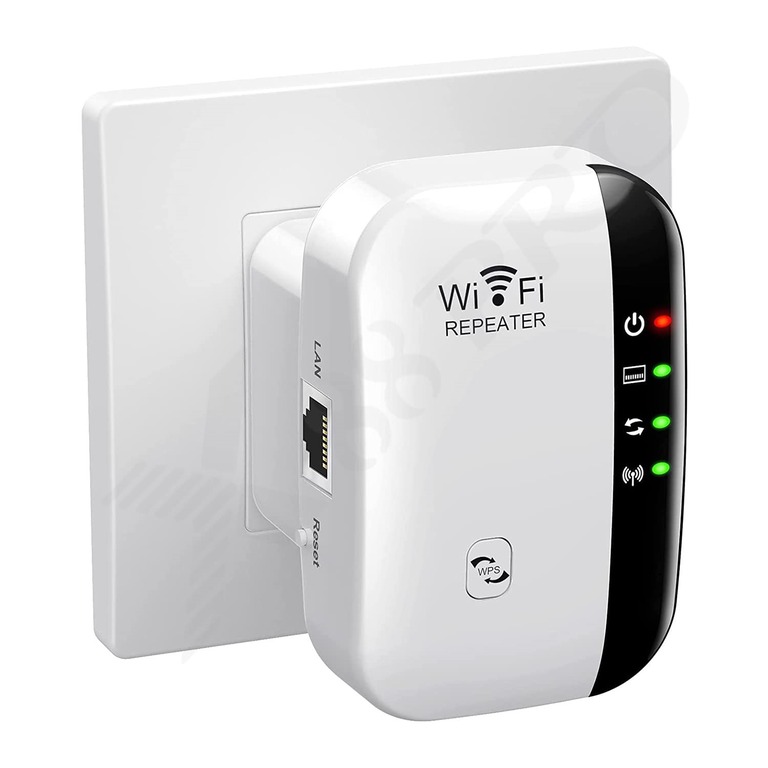
- The repeater’s antenna will receive signals from the primary router’s SSID
- The device will now decode the Wi-Fi frames, but it doesn’t change the IP address
- The device now sends the signal back through the same Wi-Fi channel
Although these processes occur in only milliseconds, Wi-Fi repeaters are prone to issues such as packet loss and bandwidth degradation. In most cases, you can expect a Wi-Fi repeater to reduce speeds by ~50%. Other aspects, like latency, would also be affected.
One unique aspect here is that a Wi-Fi repeater typically does not provide much control over its operation. Instead, it functions as a limited radio signal cloner. The repeater’s function takes place entirely over radio, leaving no output or input through Ethernet.
What is a Wi-Fi Extender and How Does It Work?
Like a repeater, a Wi-Fi Extender is also designed to improve the reliability/coverage of an existing network. An extender makes it easy to enhance network coverage by creating an additional Access Point. Depending on the situation and requirements, you can choose between wired and wireless extender setups.
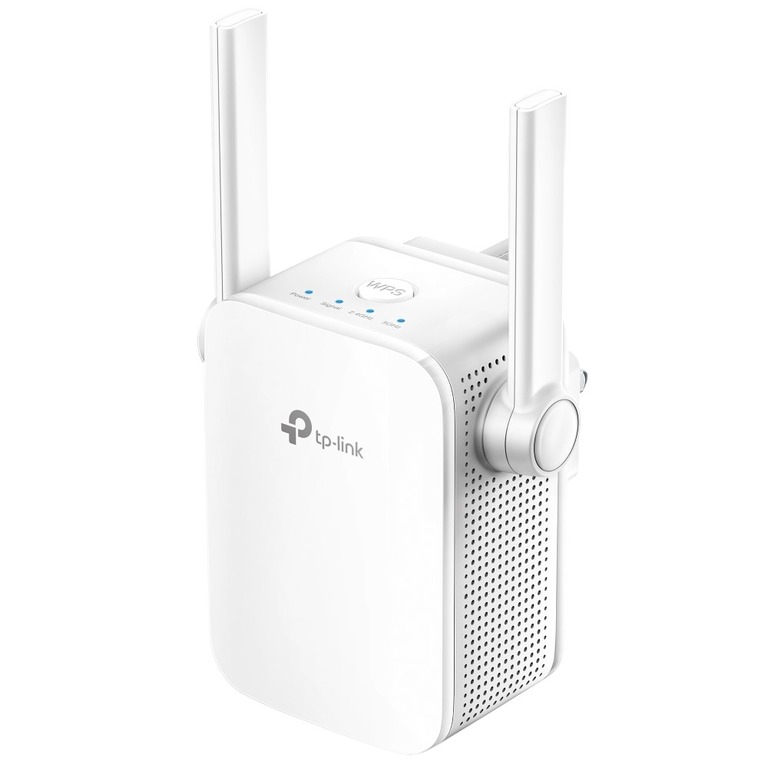
The difference lies in how the extender communicates with the router.
In a wireless setup, the extender may function similarly to a repeater, creating a receive-and-rebroadcast cycle. Even so, you will have much better control over the secondary network. Modern Wi-Fi extenders are often as powerful as Wi-Fi routers. This setup, however, results in a bandwidth dip.
In a wired setup, a Wi-Fi extender will have an Ethernet backhaul. This connects the device to the router via Ethernet, allowing direct data transfer. In this case, the device creates a fully-fledged Access Point that can deliver maximum speeds and coverage. Some extenders may use MoCA or Powerline instead of Ethernet.
The working process in a wired setup is as follows:
- The extender receives signals from the Wi-Fi router using Ethernet, Powerline, or MoCA
- It now extends the LAN by creating an additional Access Point with complete control
- This Access Point is made available to other devices using a separate Wi-Fi identity
- Your devices can now connect to this Access Point and gain network access.
Once again, some Wi-Fi extenders are designed to work as mini routers, if you will. You may have the option to choose between NAT mode and router mode. And the second option will definitely give you better control over how this access point works. For instance, you will be able to control which devices can connect, the quality of service options, and some might even allow you to create a separate subnet.
Choosing a Wi-Fi extender from the same brand as your Wi-Fi router may even allow you to create a mesh Wi-Fi system without investing a significant amount.
When to Use What
Here’s when you should choose which and when.
Where to Use a WiFi Booster
As I mentioned earlier, a Wi-Fi booster is designed to enhance Wi-Fi performance in existing areas. You can go for one if your Wi-Fi speeds are slow, even when signal bars are full. The setup is simple and requires no Ethernet connections or wiring. In most cases, you can simply plug the Wi-Fi booster in, and it will establish communication with the primary router within a few seconds.
However, to enjoy all these benefits, you must have a Wi-Fi booster with mesh capabilities. Otherwise, the device may create a separate Wi-Fi SSID, making the entire thing fuzzy and causing inconvenience. You would also have to deal with bandwidth degradation.
Where to Use a WiFi Extender
A Wi-Fi extender is more suitable when you have a specific need to improve Wi-Fi coverage. Let’s say that your house has a basement where Wi-Fi isn’t available. Instead of setting up a repeater, which can cause signal degradation, consider using a Wi-Fi extender with Ethernet backhaul. This setup ensures the top speed using Wi-Fi.
When set up correctly, even a single Wi-Fi extender can improve the network situation in the area. You also have multiple options, like Powerline and MoCA, if you cannot set up Ethernet wiring. Things are better with a Wi-Fi extender that supports mesh networking.
Wrapping Up
I have tried to clarify the key distinctions between a Wi-Fi extender, a Wi-Fi repeater, and a Wi-Fi booster. It is essential not to be fooled by the manufacturer’s marketing gimmicks. Instead of choosing a random Wi-Fi booster, consider what works best for you, whether it’s repeating or extending.
