We rely on web browsers so much so that browsers often feel like Operating Systems. Thus, it isn’t surprising that vulnerabilities affecting popular browsers can have a significant impact on individuals and businesses. As it happens, a new vulnerability is causing Chromium browsers to crash in mere seconds. Being aware of this vulnerability, known as Brash, is essential if you want to protect your browsing experience. We’ve got you covered; don’t worry.
What Is Brash Vulnerability?
Brash, also known as the Brash vulnerability, is a critical issue affecting web browsers that utilize the Blink rendering engine. For those unfamiliar, Blink is one of the most popular browser rendering engines. It is used by Chromium-based browsers like Google Chrome, Opera, Microsoft Edge, and Vivaldi.
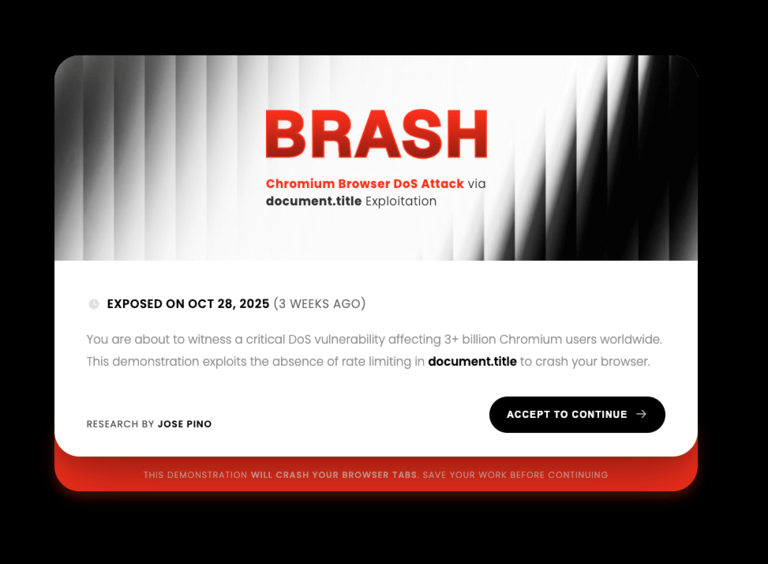
This vulnerability was uncovered by Jose Pino, who published the Proof of concept for the vulnerability on October 29. According to the researcher, a significant issue with the Blink rendering engine has led to the Brash vulnerability: the absence of a limit on updating the document title. In the context of web browsers, the term “document.title” refers to the title of the tab. The Brush vulnerability enables a threat actor to repeatedly change the document title, causing the browser to crash.
The researcher has tested the vulnerability on multiple Chromium-based browsers, and all were affected. According to this test, browsers took anywhere between 10 and 125 seconds to crash, but the Brush vulnerabilities had caused all of them to slow down.
Affected Browsers
Essentially, every browser that uses the Blink rendering engine is prone to this vulnerability. The list of such browsers includes:
- Google Chrome
- Microsoft Edge
- Opera
- Opera GX
- Vivaldi
- Brave
- Chromium (open-source base)
- Sidekick
- ChatGPT Atlas
- Perplexity Comet
- Dia Browser
- Arc Browser
You should also remember that this vulnerability can work across desktop and Android devices. So, if you use any of these browsers on your Android smartphone or tablet, it can fall victim to the Brash exploit.
The rule of thumb here is this:
If a web browser is based on Chromium, which uses the Blink rendering engine, it is prone to the vulnerability we are discussing here. It also means you are safe from this vulnerability if you use any of the following web browsers:
- Firefox (uses Gecko rendering engine)
- Safari (uses WebKit engine)
- iOS browsers (forced to use the WebKit engine)
Continue reading if you use any of the browsers we mentioned above.
How The Attack Works
Here is an overview of how the Brash vulnerability is exploited to cause web browsers to crash. A threat actor could use it for various types of threats, including Denial-of-Service attacks. Depending on the context, the result could be fatal, even risking human life.
- Before the attack begins, the threat actor will keep 100 unique hexadecimal strings in memory. Each of these strings contains 512 characters.
- In the next stage, the threat actor conducts a burst injection, which updates the document title at a high interval. The injection could cause up to 24 million updates per second, placing a significant strain on CPU resources.
- Following this unbearable load, the UI thread will begin to collapse. The first stage will be high CPU usage, followed by a frozen tab. Depending on the browser, this will result in an Unresponsive Page and window.
At this point, the user must terminate the application. On some browsers, however, it could lead to a total system crash, requiring a force reboot. When we tested the PoC of the vulnerability on Opera, the load was so high that our Mac froze. We had to force-reboot the device to regain access.
As you might expect, this vulnerability can cause a range of issues. For starters, a frozen system will cause data loss, including all the work you have been doing in your browser. It would also trigger the fans to blow at full speed in addition to thermal throttling.
In other words, execution of the Brush vulnerability can be deadly in most situations. The researcher provides an example of a Wall Street market opening. If the Brash vulnerability is used to inject malicious code alongside some social engineering, it could easily lead to a market crash. Even more deadly could be the case of a hospital or banking system being compromised.
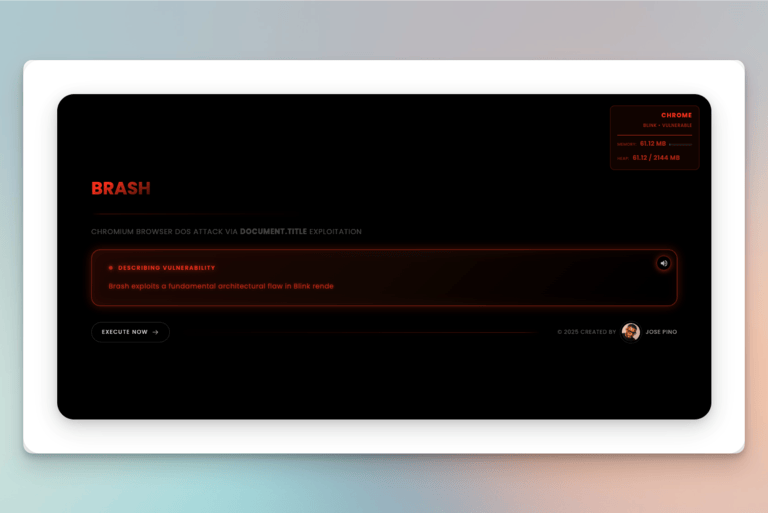
The worst part about the vulnerability is that it takes place silently. The user would notice the threat only as they lose control of the browser. According to the researcher, Brash can affect over 3 billion users who rely on Chromium browsers.
How To Detect and Stop a Brash Attack
Though it has been a couple of weeks since Jose Pino uncovered the attack, we still haven’t received a fix from the developer. It means that all web browsers relying on the Blink rendering engine could be vulnerable to a Brash attack. Unfortunately, this means you cannot protect your Chromium-based browser from such a threat. The only solution would be to detect the threat.
Detecting A Brash Attack
Here are a few signs to keep track of while attempting to detect a Brash vulnerability attack:
- The title of a browser tab may change multiple times per second. It may also show characters you don’t usually see. At this point, you can close the tab and prevent further damage.
- When the attack begins, the browser will become unresponsive. You can notice the cursor slowing down or your clicks not registering.
- As it does on our devices, a Brash attack would also cause the CPU to overheat. The device will heat up, and the fans will be working at full speed. If these things happen when you are simply browsing the web, take it as a sign of the Brash attack.
- Even if this attack happens in the background, you can notice a system-wide slowdown due to high RAM and CPU usage.
If you detect these signs, you must close the tab that you recently opened. Keep in mind that threat actors may add delays of 30 seconds or 2 minutes before the injection is executed.
Stopping A Brash Attack
As we said, there is no ready-made solution to stop a Brash attack. Instead, you can try some extreme ways until Chromium comes up with a solution.
- This threat uses JavaScript for execution. Therefore, if you disable JavaScript in your web browser, the Brash vulnerability will not be effective. The problem? The Internet would not work as it usually does without JavaScript.
- The other option is to choose one of the immune web browsers. Your choice is between Firefox and Safari. You can also find browsers that use rendering engines other than Blink.
These solutions are far from optimal, especially in enterprise environments.
Wrapping Up
The Brash vulnerability is not something to be taken lightly. It poses a serious threat that could have long-lasting implications if Chromium does not address the issue. At first glance, the problem appears to be straightforward, but the security researcher who uncovered it has yet to receive a response from Chromium. At this point, you are better off looking out for common signs and staying away from tabs that could be used for a Brash attack.