For millions of Mac users, a web browser is the most frequently used app on their devices. This is unsurprising when we consider that a web browser can help you accomplish a wide range of tasks, from browsing the web to editing videos. As a result, you should pay more attention while choosing the go-to browser for your Mac.
How do we do that, though? What are some good options when you want the best speed, performance, and browsing experience on your Mac?
Why Picking the Best Browser for Mac is Important
Here are a few reasons to choose the best browser for your Mac.
- Optimized Performance: Only the best web browser can deliver optimized performance tailored to your Mac’s hardware. Otherwise, you will experience a sluggish browsing experience. The best web browser can also better integrate with the rest of the hardware and software.
- Reliability: The best web browsers for Mac are also among the most reliable options available. I’m sure you don’t want to use a web browser that crashes all the time, right? Choosing the best browser for Mac also means worrying less about issues like memory leaks.
- Security: Not all web browsers offer the same level of protection against cyberattacks. Therefore, choosing the best web browser for Mac keeps you on the secure side of things. You can also expect privacy-centric features, quick patches, and upgrades from these browsers.
- Efficiency: The right browser can also enhance your efficiency on your Mac. For instance, the best browsers for Mac are designed to strike a balance between performance and resource consumption, especially on Apple Silicon Macs. As a result, you can expect best-in-class battery life.
- Productivity: If you spend hours a day on web browsers, features built into the browser can only make things better. For instance, a good library of extensions can help you a lot. Similarly, you can rely on productivity-oriented features such as cloud synchronization and organization.
- Privacy: Many browsers provide better privacy than other options. Therefore, if you want to stay away from trackers and advertisements, picking one of the best Mac browsers for privacy will help you. You may also benefit from advanced privacy controls.
In addition to these, a good web browser for Mac can also enhance your overall workflow. This isn’t easy to quantify, but you will understand the difference in a few days of making the shift.
What Are The Best Browsers for Mac?
Now, we answer the most critical question: which are the best browsers for Mac?
I’ll be honest. Choosing the five options listed below was not an enjoyable task. As a person who writes about web browsers, I test 2-3 new browsers every month, and they continue to improve. At any point, I have two or three browsers that I want my friends and colleagues to check out. However, here’s what I did to find the best five options:
- I have ensured that all these browsers are reliable. I’ve used them for at least a few months as either primary or secondary web browsers on my Mac.
- I have also utilized most of the features packed into these browsers, including multi-device sync, auto-fill, password management, and AI agents, among others.
- Each browser was also tested for its behavior within macOS. I was more concerned about the speed, performance, and the impact on multitasking.
Based on these factors and insights I have gained after using the Internet for around two decades, we have picked the following web browsers as the best option for Mac.
#1 Safari
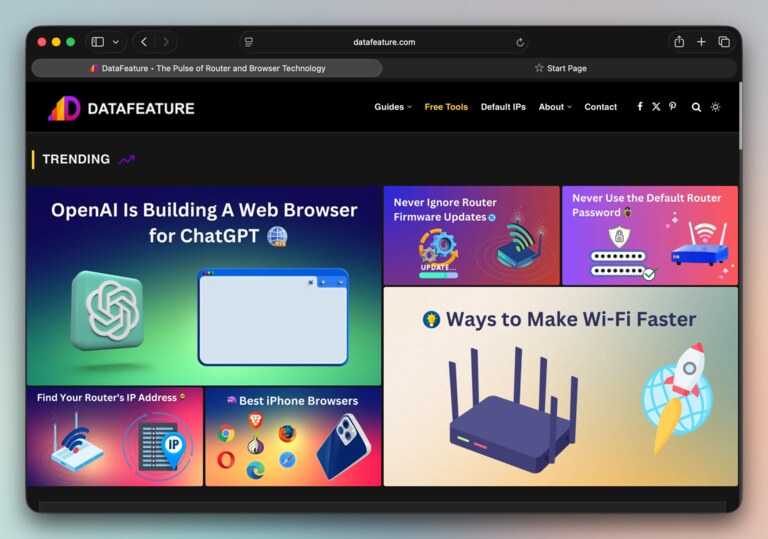
Despite the increasing number of options in the market, Safari remains one of the best Mac browsers you’d want to consider. This browser, integrated into macOS, iOS, and iPadOS, syncs all your activities via iCloud. Because Safari is built and maintained by Apple, users get some noticeable benefits, starting with best-in-class performance.
Performance & Efficiency
Since Safari is integrated into macOS and the larger Apple ecosystem, you can expect best-in-class efficiency and performance from this browser. We have also noticed that Safari consumes minimal resources even as it handles multiple tabs and windows. The impact on your Mac’s battery life is also minimal. It is thus a great option when you prioritize speed and efficiency.
Privacy
Safari also offers a lot in terms of privacy. It uses Intelligent Tracking Prevention to offer a tracking-free web browsing experience. The sandboxed rendering option also helps avoid multiple cybersecurity threats. You can also count on per-site tracking summaries and privacy reports. The latest versions of Safari also allow you to hide distracting elements on a webpage.
Features
In addition to individual features, Safari benefits the most from its integration with the Apple ecosystem. For instance, you get easy access to Keychain, Continuity, Translation, Notes, and Handoff. The WebKit engine appears to be safer than many options, too. You also have access to a collection of extensions, which sync across your devices.
Pros:
- Exceptional speed and energy efficiency on Mac hardware.
- Strong integration with Apple ecosystem (Handoff, Keychain, Continuity).
- Advanced privacy features and intelligent tracking prevention.
Con:
- Limited extension ecosystem compared to Chromium-based browsers.
Ultimately, Safari is the best browser for Mac if performance is your top priority.
#2 Brave
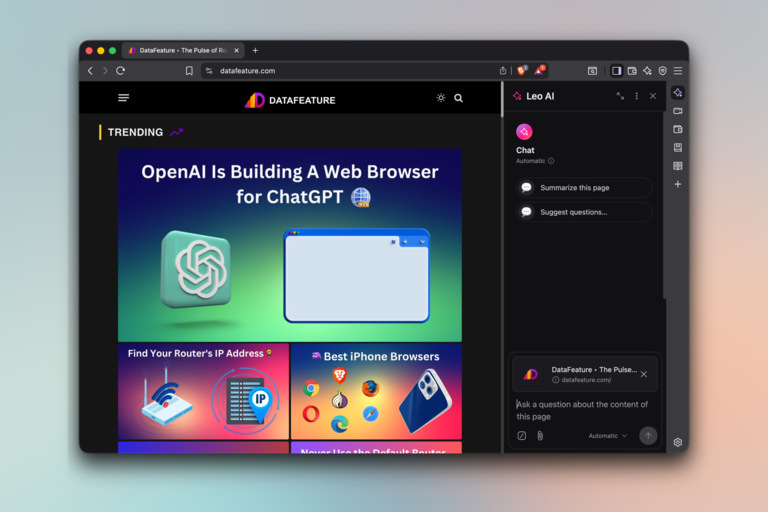
As we consider third-party options, you should consider Brave, a privacy-focused web browser available for macOS, Windows, Android, and iOS. Compared to Safari, Brave Browser offers numerous features that provide a smoother and distraction-free browsing experience. It also strikes a balance between performance and resource consumption.
Performance & Efficiency
Like many modern browsers, Brave also uses the Blink rendering engine (Chromium). However, compared to Google Chrome, Brave keeps resource consumption to a minimum. Some of its additional features, such as an ad blocker, can also improve page-loading speed and reduce the impact on CPU/RAM resources. I have also found Brave to be much more battery-friendly.
Privacy
Brave offers several layers for enhanced privacy. Unlike Chrome, Brave is designed to block third-party ads, third-party cookies, cross-site trackers, fingerprinting, bounce tracking, and even cookie-consent banners. It also offers granular control over multiple features. However, Brave does this without compromising on the necessary features.
Features
Brave has added several impressive features to the browser, and all of them are well-optimized. In addition to standard features like tab groups, night mode, translations, and cross-device synchronization, Brave offers a range of options, including a built-in VPN, ad blocker, AI assistant, Split View, Vertical tabs, Tor browsing, a built-in Web3 wallet, and Private Search. You can install any Chrome-based extension as well.
Pros:
- Native ad/tracker blocking boosts speed and reduces resource use.
- Chromium base ensures wide extension compatibility.
- Shields and privacy tools require minimal user configuration.
Con:
- Some users find the Brave Rewards ecosystem unnecessary or distracting.
I consider Brave the best browser for Mac if you prioritize privacy and features that focus on productivity.
#3 Arc
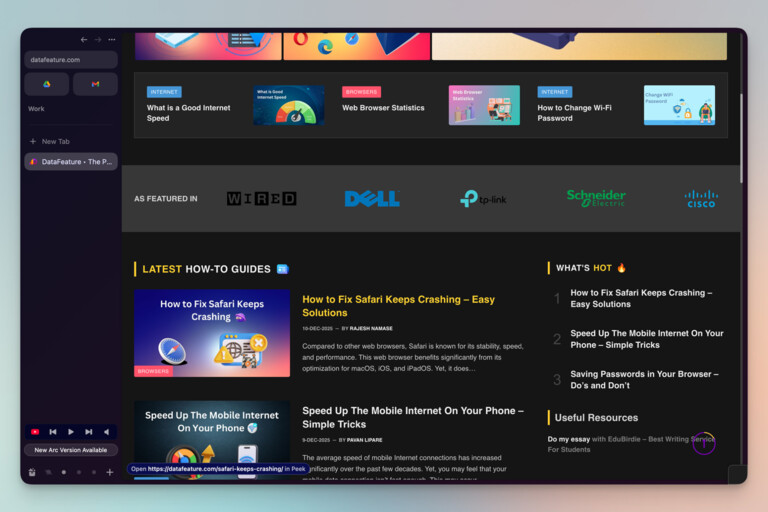
Arc is another browser I consider worthy of being on this list of best browsers for Mac. This is going to be a hot take for a few reasons, though. Arc from The Browser Company is not under active development, but it continues to receive security/Chromium updates. Even so, Arc offers a productivity-focused web browsing experience that other options often fail to.
Performance & Efficiency
Another Chromium-based browser, Arc, is pretty efficient when it comes to resource management. You can expect best-in-class speeds as well. I rely on Arc for multitasking, and the experience has been excellent from the very beginning. Although Arc packs some AI-powered features for tab organization and previews, users can disable them to conserve RAM/CPU resources.
Privacy
While Arc may not be the most privacy-friendly browser, it offers decent options in this regard. For instance, you don’t get a built-in ad blocker, but you are free to use extensions like uBlock. The privacy policy for Arc also states that the browser does not collect too much personal information from users. It continues to receive Chromium updates, despite active development having stopped.
Features
An impressive set of features distinguishes Arc from the rest of the crowd. All features on Arc are designed to offer you a seamless multitasking experience. You can easily swipe between different spaces, which can be assigned to different profiles. Arc Max also packs features like link previews, Tidy Tabs, File Renamer, and Tab Renamer.
Pros:
- Innovative interface that streamlines multitasking.
- Built-in tools (notes, splits, Boosts) reduce reliance on add-ons.
- Strong performance due to the Chromium foundation.
Con:
- Non-traditional UI carries a learning curve for new users.
I believe Arc is an excellent option for those seeking a refreshed web browsing experience.
#4 Google Chrome
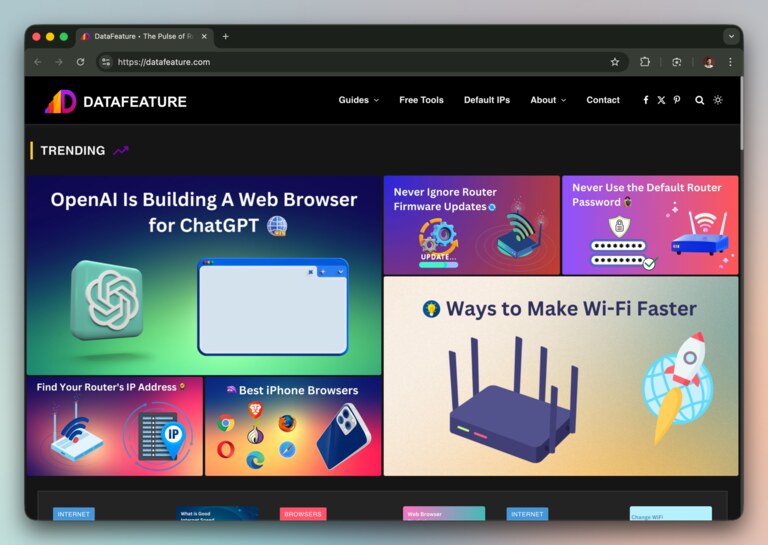
Google Chrome is not only one of the best web browsers for Mac, but also the most widely used browser worldwide. This browser from Google retains that title for several reasons, including its reliable performance, impressive set of features, and seamless integration. Given its popularity, Google Chrome would be an easy choice for those transitioning from Windows or other platforms.
Performance & Efficiency
Google Chrome does not hold back in terms of performance. As it happens, you can get impressive loading speeds; there is even an option to pre-load pages for an even smoother experience. The Chromium engine beneath does a great job overall. Yet, things take a drastic turn when considering efficiency. Google Chrome consumes a lot of RAM/CPU resources, making it a suboptimal choice for multitasking.
Privacy
Privacy is also a concern when choosing Google Chrome. As you are aware, Chrome is closely integrated with Google and its services, including the ad network. The browser does not block third-party cookies or trackers, either. In short, while Chrome offers significant integration benefits, it compromises on privacy.
Features
Google Chrome offers all the features you would expect from a modern web browser. However, the unique set of features is centered around its integration with your Google account and other Google services. It is also true that some Google services perform better when used with Google Chrome than with other web browsers. You also get some handy options, such as reader mode, translation, and Google Lens.
Pros:
- Largest extension ecosystem and strong developer support.
- Excellent cross-device sync via Google account.
- Fast performance for heavy web applications.
Con:
- High RAM and CPU usage, especially on older Macs.
Overall, if multitasking isn’t your priority, Google Chrome is an excellent browser for your Mac.
#5 Opera
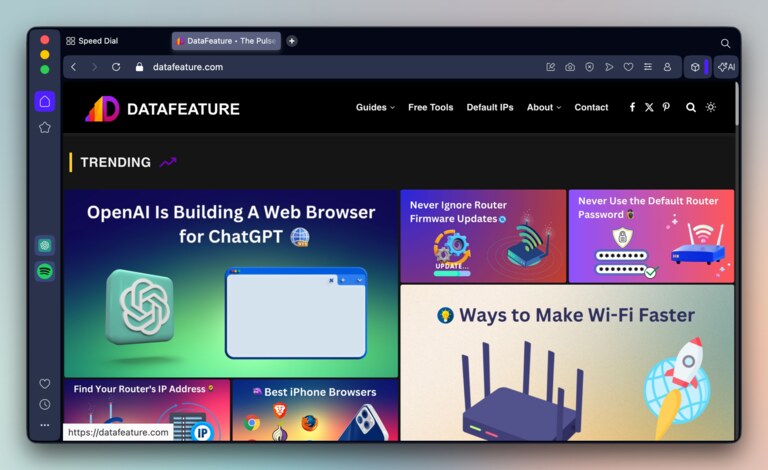
Opera deserves a spot on this list because of the balance it strikes between stability, features, and privacy. You can count on this browser when you need a modern web browsing experience that doesn’t compromise cutting-edge features, including VPN, AI assistant, and ad blocking. Like most options here, Opera is available for Windows, Android, iOS, and macOS.
Performance & Efficiency
Opera excels particularly in performance and efficiency. You get comparable performance to Chrome and most other Chromium-based browsers. However, unlike Google Chrome, Opera conserves RAM and CPU resources to a minimum. You can also benefit from its built-in ad blocker and VPN, as the browser will not waste time/resources loading unnecessary elements.
Privacy
Browsers from Opera offer top-notch privacy-centric features. The browser offers built-in ad blocking and tracking prevention. You also get granular control over how your data is collected and used. You can benefit from cryptojacking protection, secure browser-based synchronization, and many privacy-based site settings. Overall, the privacy features of Opera for Mac are pretty robust.
Features
Opera might as well be one of the most feature-rich web browsers for Mac. You get standard options for tab management, grouping, and ad blocking. The developer has integrated an AI assistant, which will help you generate images or chat with webpages. You can also utilize features like Split Screen, Opera Translate, and space for Instant Messaging, among others.
Pros:
- Free built-in VPN and ad blocker enhance privacy
- Sidebar integrations (Messenger, WhatsApp, etc.) improve workflow
- Customizable UI with workspaces and advanced tab tools
Con:
- Feature-heavy design can feel cluttered for minimalists
Overall, Opera is a sensible choice when you need stability, features, and top-notch privacy.
Other Mac Browsers to Consider
Five is a really small number when it comes to recommending web browsers for Mac. So, here’s another list of awesome Mac browsers to consider:
#1 Vivaldi
Vivaldi is a great option when you want as many features as possible on your browser. It is a customizable web browser with numerous options and modules. This powerful web browser also integrates multiple apps, such as Mail, Calendar, and Notes, into its main interface. You also get features like Tab Stacking and support for Mouse Gestures.
#2 Microsoft Edge
Microsoft Edge is the default browser for Windows devices, but its macOS version is equally capable. Even though it is built on the Chromium rendering engine, Edge offers a few additional features, such as Split Screen. You’d have a more productive experience if you use Microsoft products/services as well. You also get deep integration with Copilot and Copilot Vision.
#3 Comet
Comet is the official web browser from Perplexity, a leading AI technology firm. This agentic browser takes a different approach to web browsing. You get agents who can perform tasks for you on the web. Comet is also integrated with Perplexity and your data. As a result, you get a more personalized browsing experience. It isn’t the most privacy-focused browser, though.
#4 Dia
Dia is another web browser from The Browser Company, focusing on AI-centric web browsing. Compared to Arc, you get more AI-powered features for browsing, management, and productivity. I must add, however, that Dia is not as robust as the other AI-powered browsers I have come across, say Comet. Yet, you may love it for its minimal design and well-curated features.
Wrapping Up
I hope this guide helped you find the best browser for your Mac. There is no single perfect browser that fits everyone’s needs. It was the reason for including five browsers in the list. I have also recommended a few other options that you may want to try.