

Are you confused by the “Cat” numbers on Ethernet cables? You aren’t alone. While marketing hype suggests higher numbers are always better, buying a Cat8 cable for a standard home network is often a waste of money.
Key Takeaways:
- You can choose between CAT6, CAT7, and CAT8 cables for your home, office, or advanced networking needs. These three offers vary in performance.
- While the rated speeds of these cables are essential, you should also pay attention to the level of shielding and other features the connector offers.
- You may want to go for a CAT 8 Ethernet cable if you are looking for maximum speeds and want a future-proof setup for your data center or server racks
Choosing Ethernet Cables Between Cat 6, Cat 7, and Cat 8
Cat6 Ethernet cables are the most affordable option among the three. However, while Cat6 cables offer 10Gbps transfer speeds, Cat8 cables provide up to 40Gbps. Cat8 cables also offer additional shielding for improved performance. It is better to avoid Cat7 cables.
Quick Comparison: Cat6 vs Cat7 vs Cat8 (Speed, Frequency & Price)
The main difference between Cat 6, Cat 7, and Cat 8 cables is speed, shielding, and maximum distance.
- Cat 6: Supports up to 10 Gbps at 55 meters. Cat6 is UTP (Unshielded). Cat6A/8 are STP (Shielded). Shielding makes cables stiff and hard to route.
- Cat 7: Cat7 is not TIA/EIA recognized for home RJ45 use. Stick to Cat6A or jump to Cat8.
- Cat 8: Cat8 supports 40Gbps, but only up to 30 meters. Beyond that, it drops.
Cat 8 is best for high-speed data centers, while Cat 6 and Cat 7 are best suited for home and office networks.
Cat 6 Ethernet Cables
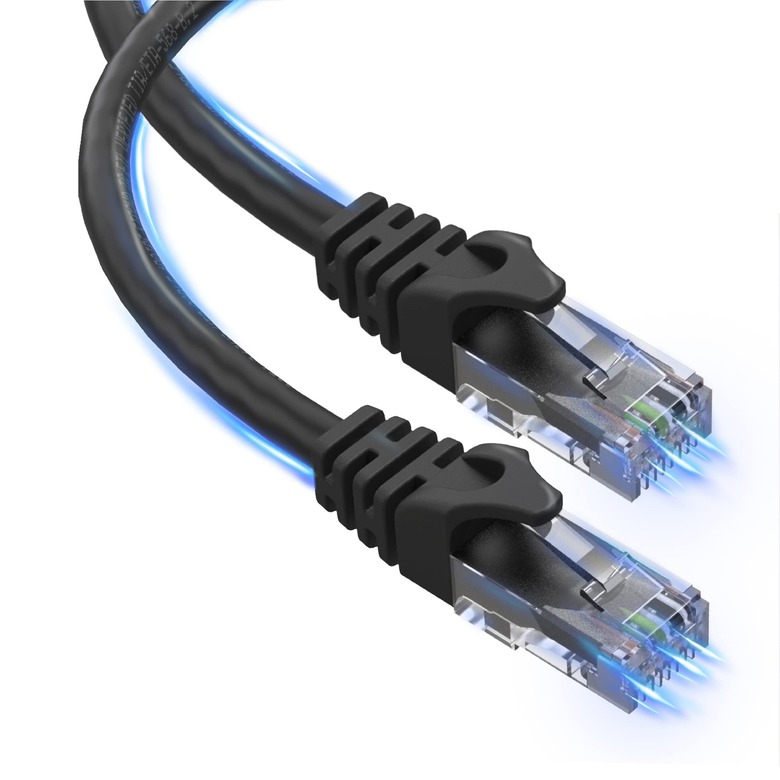
Cat6 Ethernet cables are also known as Category 6 Ethernet cables. As you can guess from the name, it represents the sixth generation of standardized Ethernet cables, introduced in the early 2000s. Even after almost 25 years, Cat6 cables remain a popular choice for residential Ethernet and other networking needs. These cables were a significant improvement from Cat5 and Cat5e cables, but are backward-compatible with both.
Cat 7 Ethernet Cables
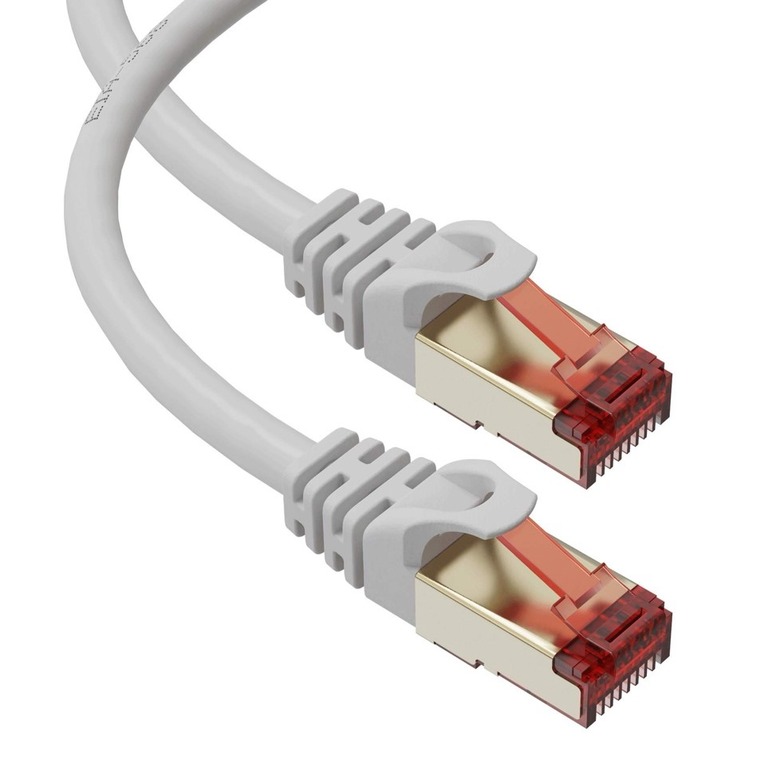
Cat7 Ethernet cables are also known as Category 7 Ethernet cables. Contrary to popular belief, Cat7 cables are not the direct successor of the Cat6 cables. Instead, Cat7 used a proprietary connector with better shielding. The objective was to increase the total distance for networks while maintaining higher data transfer needs. Since its introduction in 2002, Cat7 has been criticized for certain aspects, making it a less popular option for many applications.
Cat 8 Ethernet Cables
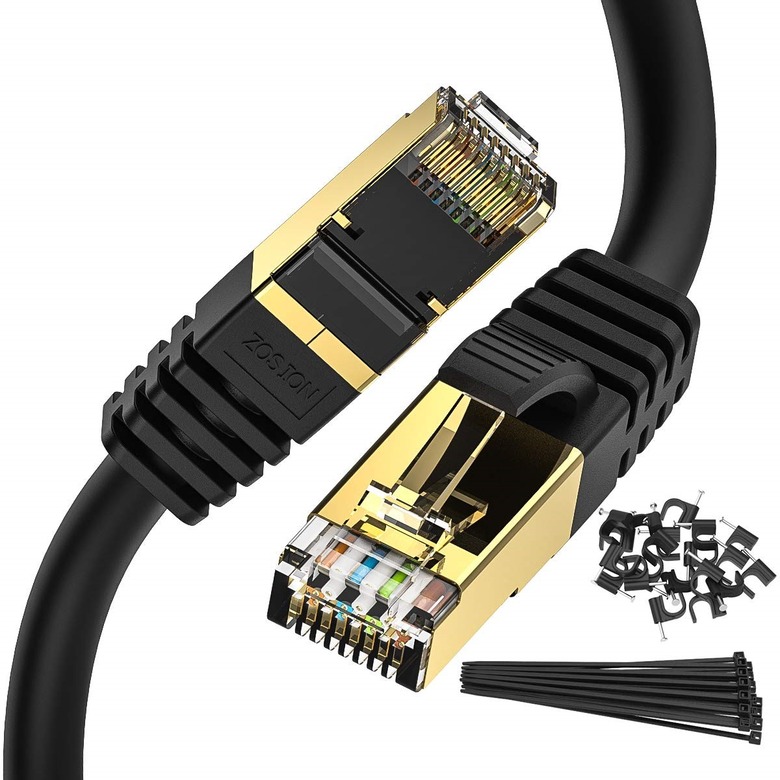
Cat8 Ethernet cables, also known as Category 8 Ethernet cables, are the current standard for Ethernet and other networking. Having been released in 2016, Cat6 cables are a relatively new entry to cabling codes for Ethernet connections. It is also one of the first cabling standards to offer high speeds and shielding without a proprietary connection. For the same reasons, Cat8 cables have remained the go-to pick for high-intensity cabling needs.
Attention:
Even Cat8-rated cable will not deliver 25/40 Gbps unless both ends (RJ45 or GG45/TERA) and patch panels support that rating. Cheap RJ45 terminations can bottleneck performance
Cat 6 vs. Cat 7 vs. Cat 8: Transfer Speeds
Now, I will look at the differences in transfer speeds on these cabling standards. We have to understand that these limits are theoretical, and the actual speed will depend a lot on multiple situational variables.
Cat6 Ethernet cables have a maximum data transfer rate of 10 Gbps and a maximum distance of 55 meters. These cables are thus a popular option for home networking, where you need a medium-level speed for inter-device data transfer. Standard Cat6 cables ship without shielding, making them a less recommended choice for outdoor networking setups.
Cat7 Ethernet cables offer the same data transfer rate of 10 Gbps but can reach almost twice the distance, up to 100 m. More importantly, these cables feature built-in shielding, making them suitable for both indoor and outdoor networking applications. However, the proprietary connector of Cat7 cables has prevented it from being a popular choice.
Cat8 Ethernet cables improve data transfer rates by 4 times, reaching 40 Gbps. The cable length can be up to 30 meters. Therefore, Cat8 cables are the fastest option available for data transfer. All these cables feature built-in shielding and deliver almost double the power when connected to Power-over-Ethernet devices.
In short, you have to choose between Cat6 and Cat8 cables to get the best speed. If you want to future-proof your network while leaving room for more devices, you should select Cat8 cables.
Cat 6 vs. Cat 7 vs. Cat 8: Compatibility
Compatibility is also a primary concern when choosing Ethernet cables for your network. These cables should work with the standard ports and connectors in a network environment. Otherwise, you should be ready to pay for proprietary connectors, which can be an additional expense.
Cat6 Ethernet cables remain one of the most compatible options on the market right now. The standard connector is RJ45 so that you can use it with almost every networking device. The best part is that the standard also supports legacy devices.
Warning:
“Cat7” cable often appears online, but TIA/EIA doesn’t define Cat7. What is sold as Cat7 is based on ISO/IEC Class F standards — different specs and compatibility expectations. Most modern networks use Cat6a or Cat8 instead
Cat7 Ethernet cables are on the opposite side of the spectrum. As we mentioned earlier, it uses a proprietary connection for maximum speeds. Therefore, despite its backward compatibility with RJ45 cables, Cat7 cables would not make a difference unless you use them with a proprietary connector. This proprietary connector has not been widely adopted either. Therefore, if you are concerned about compatibility, you should avoid CAT7 cables in general.
CAT8 Ethernet cables bring the best of both worlds. While these cables offer the maximum speed, they don’t compromise on compatibility. Because these cables make use of an RJ45 connector, you would not have trouble connecting to all types of networking devices. Regardless of whether these devices can support up to 40 Gbps of data transfer rate, you can have them working in sync within the network.
Once again, the choice narrows down to Cat6 and Cat8 cables. Because both offer the same level of network compatibility, you can pick one based on your data transfer and bandwidth requirements.
Cat 6 vs. Cat 7 vs. Cat 8: Shielding
If you are planning to set up an outdoor network or have many devices nearby, you might also want to consider shielding options.
Because they were introduced in the 2000s, Cat6 Ethernet cables do not offer built-in shielding. You might be able to pay an additional amount for additional shielding, but that is about it. Therefore, the unshielded nature of Cat6 cables makes them a secondary option for complex networks.
Cat7 cables overcome the shielding limitation by offering shielded variants. The maximum distance of 100 meters is also impressive from an outdoor networking perspective. But once again, the proprietary connector makes it a difficult choice to integrate with most networking equipment.
Even though Cat 8 Ethernet cables do not have the longest maximum length, they are all shielded. It means you can use any Cat 8 cable in different networking environments without affecting speed. The shielding is also required due to the higher power carried by all cables.
Therefore, if you are worried about shielding, you can simply go for Cat 8 Ethernet cables.
Cat 6 vs. Cat 7 vs. Cat 8 Cables: Pricing
We will quickly explain how these cables are priced differently.
Of the three options, Cat6 Ethernet cables are the most affordable available on the market. If you are looking for a 100-foot cable, you can find one for approximately $30. On the other hand, Cat7 cables are not a popular option, and they cost a little more than Cat6 cables. So you would have to pay around $40 for the cable, but then deal with the issues of proprietary connectors. And from that perspective, it makes sense to go with Cat8 Ethernet cables, which cost around $60-$70. But we have to keep in mind that all these cables are shielded and offer advanced power capabilities, which add to the investment.
Therefore, unless you are very particular about the transfer speeds, you can choose between Cat6 or Cat8 Ethernet cables.
Use Cases for Cat 6, Cat 7, Cat 8 Cables
I hope you understand the potential advantages and disadvantages of Cat6, Cat7, and Cat8 Ethernet cables from the above sections. Now we will look at the ideal use cases for these cable types.
Use Cases for Cat6 Cables
Cat6 Ethernet cables are primarily used for home networking. Because they do not come with shielding, they are more suited for indoor networking. At the same time, these cables can deliver up to 10 Gbps over a maximum distance of 55 meters, which is pretty great for most home networks. I would even go so far as to use Cat6 cables for a mini office setup.
Use Cases for Cat7 Cables
Cat7 cables are not used in standard networking scenarios. The problem is with the proprietary connector itself. Some organizations may use the connector and cable standard for their own needs, but I don’t recommend it for home or office networking. If you go with this standard, you should be able to cover any additional expenses that may arise.
Use Cases for Cat8 Cables
Cat8 cables are the best option for advanced home networks and all sorts of professional networks. Using these cables for home networks can seem a little overkill, but it future-proofs the network for at least 5 years. On the contrary, with professional networks, you need Cat8 cables not only for their high transfer speeds but also for the shielding options they offer.
Frequently Asked Questions
Is Cat 8 better than Cat 6?
Cat8 Ethernet cables are better than Cat6 Ethernet cables because they were launched almost 20 years apart. Therefore, Cat8 cables offer better transfer speeds of up to 40Gbps, whereas Cat6 cables are restricted to 10Gbps. More importantly, Cat-8 cables can improve the overall network performance due to their shielded nature.
Will Cat 8 work with my router?
So, unless you have an ancient Wi-Fi router, you should find them working fine with Cat 8 cables. Then again, since Cat 8 cables are backward-compatible with older standards, you would not have trouble connecting them to an older router. But you have to get an advanced router if you want to make use of the maximum speed and network efficiency.
Conclusion
I have covered almost everything you should know about the differences between Cat6, Cat7, and Cat8 cables. Of course, I have looked at these cables from an Ethernet perspective. Therefore, you might have other concerns if you are looking for an advanced connection of some sort.
Similarly, the choices in this article are highlighted from a home or office networking perspective. The experience might be different if you want to create a wide-area network, where efficiency and speed play various roles.
On a strictly personal note, I think everyone should go for Cat8 cables unless they are expensive. Cat6 cables may work in the end, but the lack of future-proofing means you will have to upgrade your network at some point. And it is better to do it now than within 2 or 5 years.

6 Comments
Pavan, I found your article on the differences between Cat 6, Cat 7, and Cat 8 cables quite informative. I’m currently setting up a home network and was particularly interested in the section about transfer speeds. However, I’m still a bit unclear about how these speeds translate to real-world applications. For example, would I actually notice a difference in everyday use such as streaming, gaming, or is the increased speed more beneficial for heavy downloading or server use? Appreciate your insights.
For everyday use like streaming and gaming, Cat 6 cables are typically more than sufficient, as they can handle speeds up to 10Gbps. The higher speeds of Cat 7 and Cat 8 are more beneficial for heavy downloading, large file transfers, or server environments where low latency and high throughput are crucial. For most home setups, you may not notice a significant difference in everyday tasks.
Just read about the Cat 8 cables, and wow, didn’t know they were that good! Thanks for sharing this, Pavan. I’m thinking of getting one now for my gaming setup. Better speeds are always a win in my book. Cheers!