

Though Wi-Fi continues to become faster and more reliable, Ethernet is the go-to solution when you want a combination of maximum speeds and dependability. However, when you want the best speed and security for your Ethernet connection at home or office, you must choose the fastest Ethernet cable.
Here, we’ll talk about Cat8 Ethernet cable, the current fastest option you have for residential and commercial networking needs.
What is a Cat8 Ethernet Cable?
The Cat8 cable is a type of copper Ethernet cable that offers the highest transfer speeds over Ethernet. It is also the latest version of Ethernet cables and succeeds Cat6a and Cat7 Ethernet cables. Originally designed for the commercial sector, a Cat8 Ethernet cable has a theoretical maximum speed of up to 40 Gbps. It also offers an improved bandwidth of 2000 MHz, miles ahead of Cat6a and Cat7 cables.
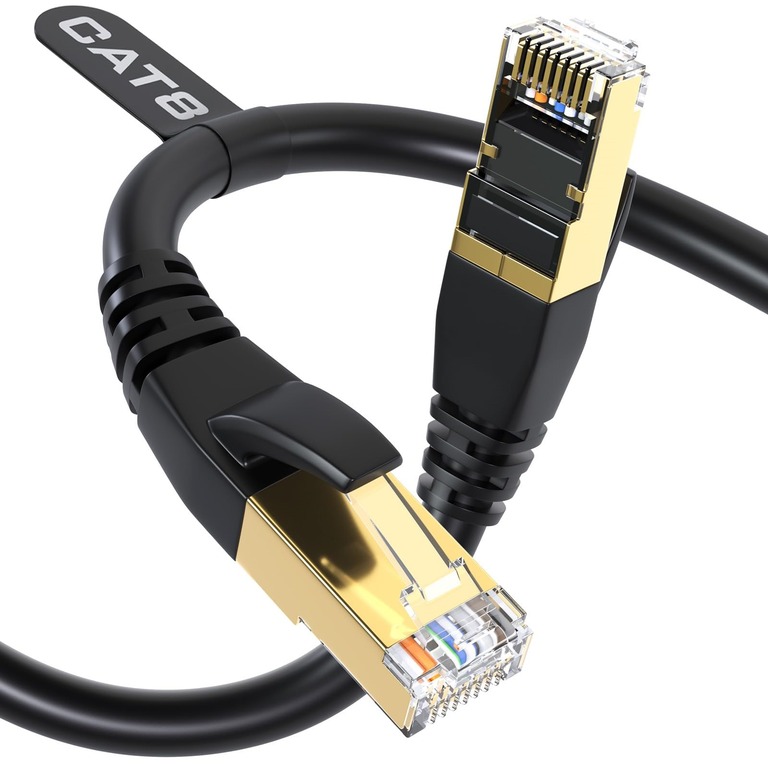
Nevertheless, as you will understand later in this article, the Cat8 Ethernet cable is perfect. For instance, you may not get the high speeds typical of Cat8 infrastructure when the distance between devices increases. If you want the maximum speed of 40 Gbps, the distance between two points must be less than 30 meters. I will talk more about this later.
Cat8 Ethernet Cable Use Cases
Since a Cat8 Ethernet cable complies with the essential Ethernet standard, you won’t have trouble using it in all instances. However, it does not mean that you should. Let’s look at the most common use cases for the Cat8 Ethernet cable.
Data Centers and Server Rooms
Data centers and server rooms make the best use of Cat8 Ethernet cables.
Both these environments require the best latency and speed, albeit operating over short distances. In these instances, you will benefit from a 40Gbps top speed of the Ethernet cable. Similarly, data centers and server rooms can leverage the additional bandwidth of up to 2000 MHz. A data center or server room might use Cat8 Ethernet cable for connections like server-to-server and server-to-switch.
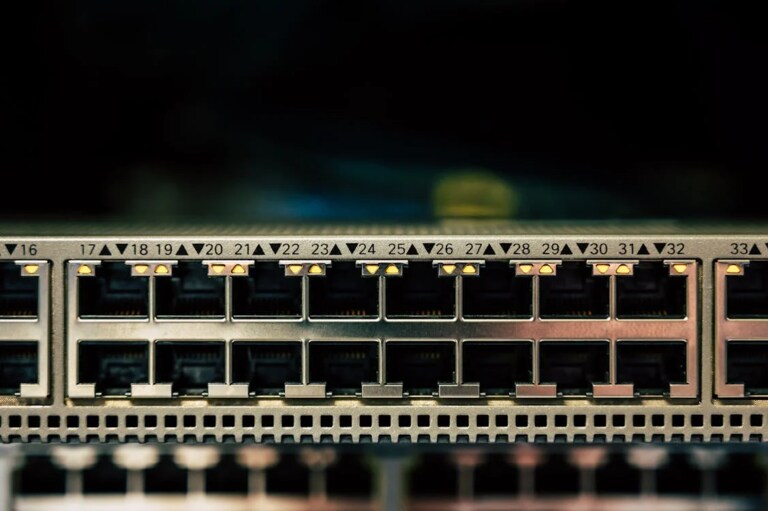
Similarly, connections between and within server racks can also use the power of Ethernet. Increased speed is not the only helpful characteristic of Cat8 Ethernet cable. As you may know, Cat8 Ethernet cables typically ship with heavy shielding, which offers additional protection from electromagnetic interference. So, you can conduct heavy-duty tasks without worrying about signal drops or errors.
High-performance Computing
These days, the commercial sector relies quite heavily on high-performance networks. Therefore, offices and other enterprise spaces also make use of Cat8 Ethernet cables for networking needs. In this case, you get the maximum power and bandwidth that a Cat8 cable supports. In addition, some enterprise networks may utilize Cat8’s support for Power over Ethernet.
Using this method, enterprise networks will be able to route a single cable that they can use not just for network resource sharing, but also for powering devices such as security cameras and other devices with PoE support. In doing so, a single Cat8 Ethernet cable can be used for future-proofing as well.
Home Networks (Super Rare)
Cat8 Ethernet cables are not generally used for home networks due to obvious reasons. For most home networks, this is overkill. You don’t need 40 Gbps network throughput on most days, right? But there are, of course, a bunch of instances where you could use 4k or 8k streaming, or when you want to share a huge amount of resources within the network, say through a network-attached storage device. In these cases, you might want to use Cat8 Ethernet cable for your network infrastructure at home. But then again, these cases are super rare.
Ethernet Cable Speed and Performance
It is equally important to understand how Ethernet cables can determine the speed and performance of network scenarios. Here are some factors that contribute.
Category & Rated Capacity
There exist different types of cable categories when it comes to the Ethernet infrastructure, and that is the reason we are talking about Cat 8 Ethernet cables in the first place. So, Cat5e, Cat6, Cat7, and Cat8 are the most popular and widely used cable categories that you can find today. The best of them all, Cat 8 offers a top-notch speed of 40 Gbps.
Sure, you do not have a 40 Gbps internet connection at your disposal. However, network-connected devices with the correct ports and network adapters can transfer data over Ethernet at the maximum speed. For instance, you might have a local network that is shared by hundreds or thousands of devices. In that case, a speed of 40 Gbps doesn’t even cut it when it comes to peak usage times.
Distance
The rated maximum speed of an Ethernet cable does not work at all distances. Just like a maximum speed, a maximum distance also exists. For Cat8 Ethernet cables, the distance is 30 meters. When two nodes have a distance over this amount, the speed and performance will decrease. That is, you can’t get anywhere near the 40Gbps speed of Cat8 cables when the distance is, say, 100 meters.
Cat6 cables, on the other hand, have a maximum supported distance of 55 meters, even though their top speed is 10Gbps.
Shielding & Interference Resistance
Like other networking equipment, Ethernet cables are also vulnerable to interference. Keeping this in mind, rated Ethernet cables are often packed with necessary shielding. If we compare the major cable categories, you can easily spot the difference.
For instance, Cat6 Ethernet cables may or may not have shielding, making them a balanced choice for cases where interference is an issue. While unshielded Cat6 Ethernet cables are just okay for home networks, they might cause problems in enterprise environments.
Cat8 cables, on the other hand, are always shielded and equipped with additional security layers. As a result, you can expect minimal interference and cross-talk from Cat8 Ethernet infrastructure. However, because a single cable contains a lot of layers, Cat8 Ethernet cables may become unusually thick.
Other factors like device compatibility and wiring quality will also have an impact on how much speed and performance you can expect from an Ethernet-based system. Merely using Cat8 Ethernet cables doesn’t ensure the 40Gbps maximum speed; your switches, clients, and routers should support these speeds.
Difference Between Cat5, Cat6 and Cat8 Ethernet Cables
Here is a table comparing the core differences between Cat5, Cat6, and Cat8 Ethernet cables.
Category | Maximum Speed | Bandwidth | Maximum Distance at Top Speed | Shielding | Typical Use |
|---|---|---|---|---|---|
Cat5e | 1 Gbps | 100 MHz | 100 meters | Usually unshielded | Homes, small offices |
Cat6 | 1 Gbps at 100 meters, 10 Gbps up to 55 meters | 250 MHz | 100 meters (1 Gbps), 55 meters (10 Gbps) | Unshielded or shielded | Modern homes, offices |
Cat8 | 25 to 40 Gbps | 2000 MHz | 30 meters | Always shielded | Data centers, server rooms |
As you can see, Cat8 brings a lot of improvements to the table compared to Cat5 and Cat6. You can spot the major difference in terms of maximum speed and bandwidth. Compared to Cat5e, a Cat8 Ethernet cable has 20x the bandwidth and 40x the maximum speed. It is the major reason Cat8 cables are primarily used in data centers and other enterprise environments.
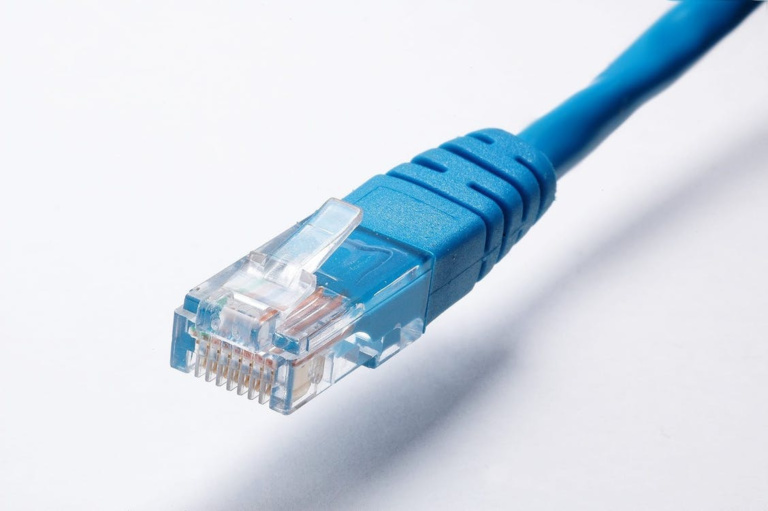
You should also consider the always shielded nature of Cat8 Ethernet cables. They make a massive difference in terms of preventing interference and cross-talk, making these cables ideal for enterprise needs.
Wrapping Up
I hope you have a clearer idea about Ethernet cables, especially Cat8 Ethernet cables. As you can see, Cat8 cables are designed for maximum performance and security, but they remain overkill for most homes. But we might need these setups as Internet connections become faster!
